
How to Create a Digital Pet Memorial Page
相关商品

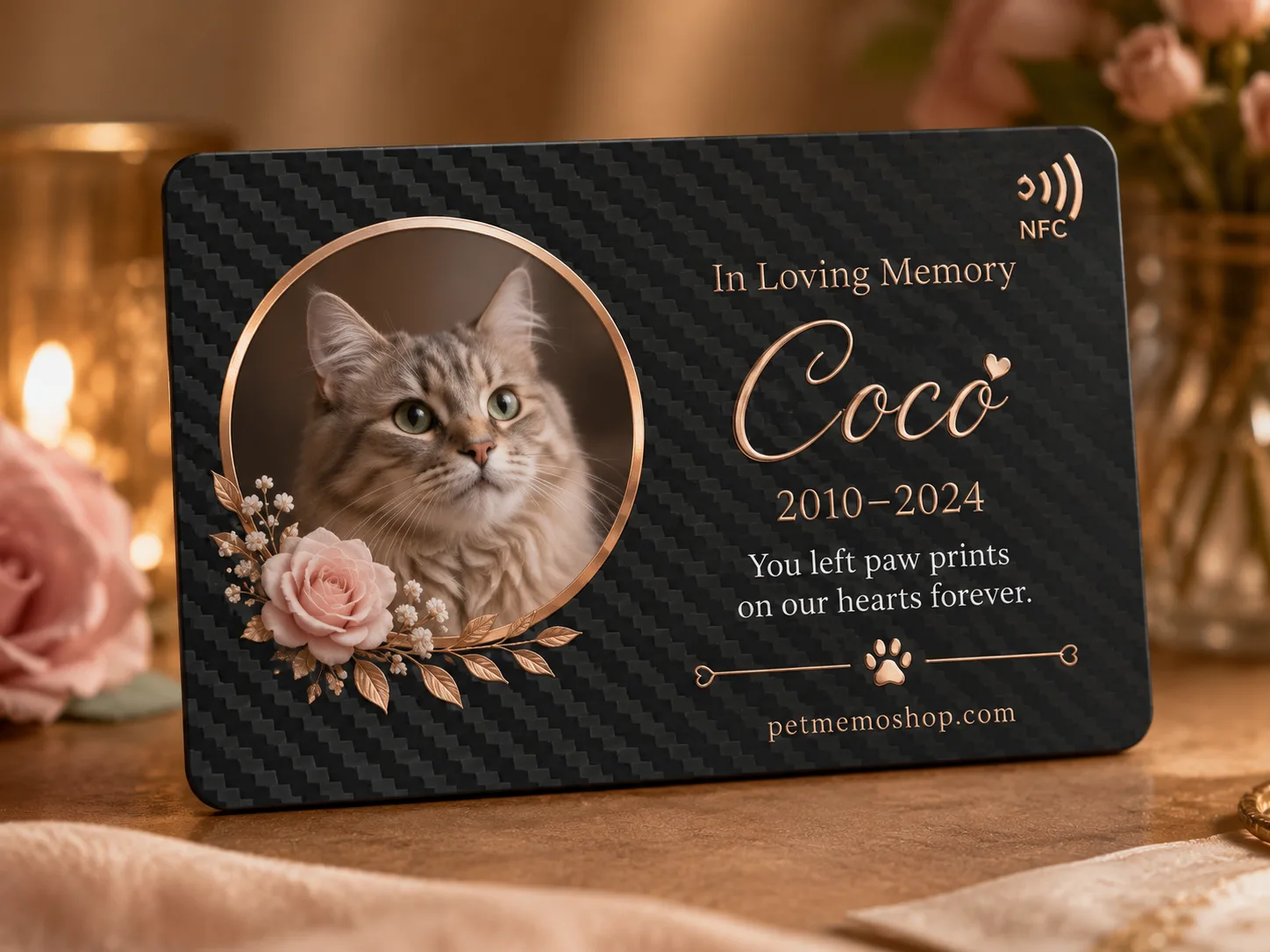

How to Create a Digital Pet Memorial Page (Direct Answer)
To create a digital pet memorial page, gather one clear photo, your pet's name and dates, and a short story — then build an online tribute you can share by web link, QR code, or NFC tap. You can start with a standalone page, or pair the page with a physical keepsake.
A digital memorial is not a social media post. It is a dedicated remembrance page designed to hold photos, videos, and family messages in one calm place.
What You Need Before You Start
Have these ready:
- **One clear favorite photo** (good light, recognizable face)
- **Pet name** (the name you actually used)
- **Dates** (birth and memorial dates, or years)
- **A short story** (3–8 sentences is enough to start)
- **Optional extras** — more photos, a video link, messages from family
If you are choosing a matching physical keepsake, see our personalized pet memorial gifts buying guide.
Step-by-Step: Create the Page
Step 1: Choose how you want to access the page
| Option | Best for | Start here |
|---|---|---|
| Standalone digital page | Online-only tribute with link + QR | Digital memorial page |
| NFC memorial card | Ready-to-hold keepsake + digital page | NFC pet memorial card |
| Carbon fiber NFC tag | Premium display/wearable tag + digital page | Carbon fiber NFC memorial tag |
All three can open the same kind of online tribute. Learn the difference in NFC vs QR code for pet memorials.
Step 2: Upload the portrait and gallery photos
Use one strong main photo for the header, then add a small gallery of everyday moments. Clear, warm photos matter more than quantity.
Step 3: Add name, dates, and their story
Write who they were in plain language — favorite habits, nicknames, and what you miss most. Keep the first draft short; you can expand later.
Step 4: Add videos and family messages (optional)
A short clip or a few lines from family can make the page feel alive without overwhelming visitors.
Step 5: Review the proof, then share
Approve spelling and layout before production for any physical keepsake. Then share the page by link, print/scan the QR code, or tap the NFC tag.
What to Include on the Page
Most families include:
- Pet name and portrait
- Birth and memorial dates
- Their story and personality
- Photo gallery
- Optional video links
- Family messages
- Optional guestbook
For a broader overview of what a digital memorial is, read What is a digital pet memorial?.
How Family Members Open the Page
- **Link** — send privately to family
- **QR code** — scan with any smartphone camera
- **NFC tap** — hold a compatible phone near the tag or card
No app download is required on modern phones.
Tips That Make the Page Feel Personal
- Lead with one true detail (the way they waited by the door, the soft shadow on the bed)
- Prefer fewer excellent photos over a large unsorted gallery
- Keep engraved physical text short; put the longer story online
- Update the page later as new photos or messages arrive
After You Create the Page
Place a physical reminder beside an urn or frame if you want a daily touchpoint, or keep the tribute digital-only. Browse digital pet memorial keepsakes and NFC memorial tags, or start from our Digital Pet Memorial overview.
Creating the page does not have to be perfect on day one — it only needs to begin with love, a photo, and their name.